




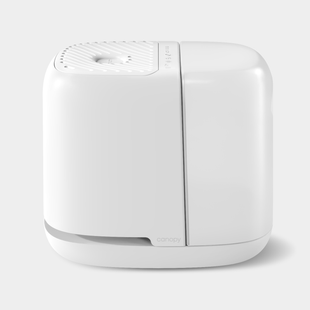

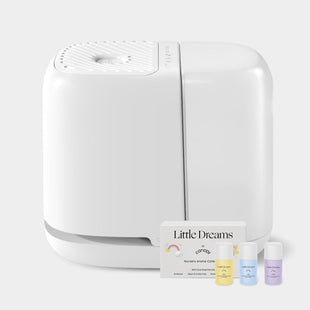



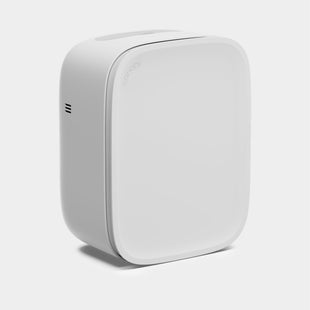
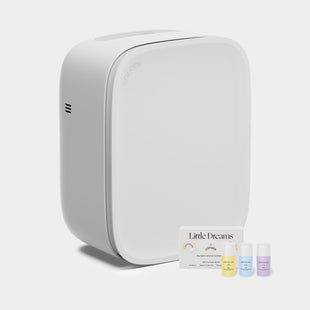





Your Sound Machine is designed to be easy from the moment you take it out of the box. Here's a quick overview of the controls and what each one does.

Power Hold the power button for 2 seconds to turn on. Hold it again for 2 seconds to power off.

Sound Press the sound button (just below the power button) to cycle through all 15 built-in sounds. Adjust volume at any time using the plus and minus buttons.
If you want to keep using the night light or aroma diffuser but turn off the sound, you don't have to power down the whole device.
Hold the sound button for 2 seconds to mute. The sound will stop while everything else keeps running. Hold it again for 2 seconds to unmute and pick back up where you left off.
The Canopy Sound Machine + Aroma has 15 available sounds to choose from!

Timer Your Sound Machine has a built-in auto shut-off timer so you can fall asleep without worrying about turning it off.
Press the clock icon at the top to set an auto shut-off. Each press cycles through the options: 30 minutes, 60 minutes, and 90 minutes. The indicator lights at the bottom will light up to show your selection. Press again to clear the timer and run continuously.
The timer applies to the whole device. When it runs out, the sound, light, and aroma fan all power off together.

Night light Tap the sun-shaped light button once for white light, twice for red light, and a third time to turn it off. While your preferred color is on, hold the button down to adjust brightness to your liking. You can also flip the device to instantly turn the light on or off without using the button. See the night light article for full details.

Aroma Give the front cap a quarter turn counterclockwise to unscrew it, remove the felt diffuser, add a few drops of your oil of choice, and let it absorb for a moment before sliding it back in. Reattach the faceplate by twisting until the markers align. Use the aroma button (three wavy lines) to switch between the two fan speeds. An indicator light above the button will glow when the fan is on. Learn more about how to use aroma oil with your device here.

Lock Hold the lock button for 3 seconds to lock all controls. While locked, pressing any button will play a tone to let you know the device is in lock mode. Hold the lock button again for 3 seconds to unlock.
You can access our full Sound Machine + Aroma User Guide here.