
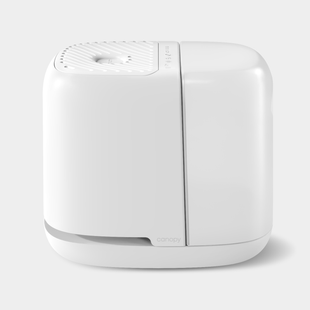










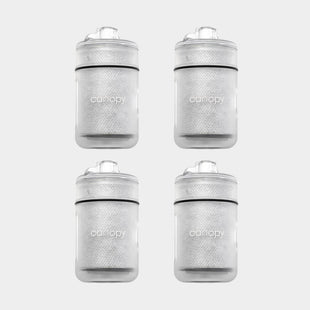
The cleaning instructions below refer only to the Canopy Bedside and Nursery Humidifier V1, which has not been available for sale through our site since September 2024. These instructions also work for the Canopy X Target 4-in-1 Humidifier.
Keeping your Canopy Bedside Humidifier V1 clean is the key to consistent performance and fresh, healthy hydration. Luckily, it’s quick and easy to do.
The Bedside Humidifier V1's tank, cap, and tray can all be put in the dishwasher. Essentially, any part of the product that holds water, can go directly into the dishwasher!
Do not place the body of the Canopy Humidifier, which houses the fan, into the dishwasher as this section is where the electrical components are stored.
We recommend placing your Canopy Humidifier on a clean surface to prevent the collection of dust and debris by the fan. If you notice any dust within the fan of your humidifier you can clean this out by using canned air to dislodge anything that may have collected on the fan or screen. After using the canned air, simply wipe the fan with a damp cloth, both on top and inside your humidifier. No need to unscrew anything!
There is one piece of the Humidifier that touches water that will need to be cleaned by hand but it should be a breeze. On the bottom of the body of your Humidifier, there are two small metal rods set in plastic that work to check the water level, sometimes calcium and iron from your tap can buildup here. Unplug your Humidifier from the power source and then wipe these down with a damp paper towel or sponge. There's no need to unscrew anything!
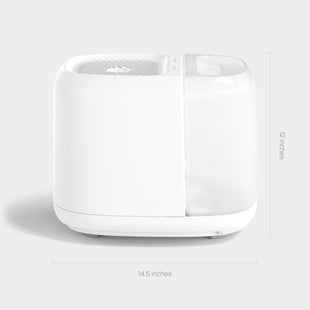
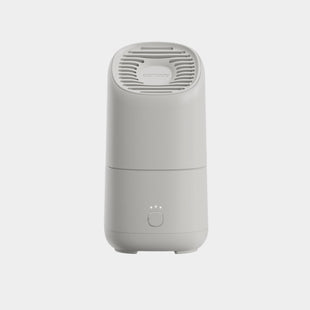
Here's a full view of the Bedside Humidifier V1's parts for your reference:
You can access our full Bedside/Nursery Humidifier User Guide here.
Learn more about how to clean the Bedside | Nursery Humidifier 2.0 here.
Learn more about how to clean the Large Room Humidifier (formerly known as the Plus) here.