













Before you start
- You can cancel on your own after you've received your first two refill shipments. When you bought your device, you got a discount in exchange for a two-refill commitment, so the Cancel option shows up in your account after your second refill ships.
- Canceling only works from a computer. It isn't available on the mobile site.
- Canceling will reset your Canopy status back to Starter.
How to cancel
- On a computer, log in to your Canopy account.
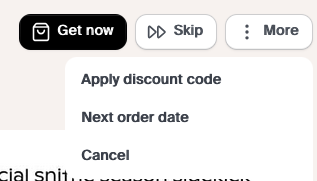
- Select More in the top right.
- Click Cancel and follow the steps.
Good to know: Canceling stops future orders, but any order that's already been created will still ship unless you let our Customer Experience team know before it ships. Subscription refills (filters, aromas, and other accessories) are final sale and can't be returned or refunded unless they arrive damaged. You can read more in our Returns Policy.
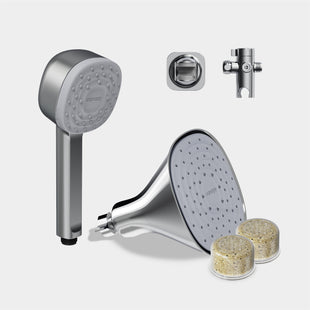
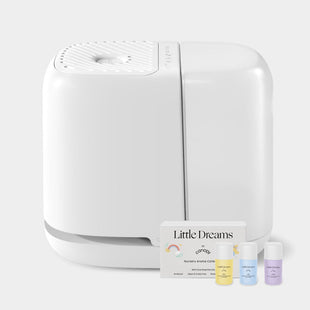
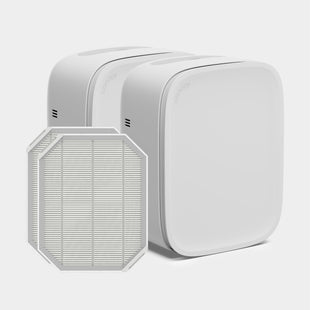
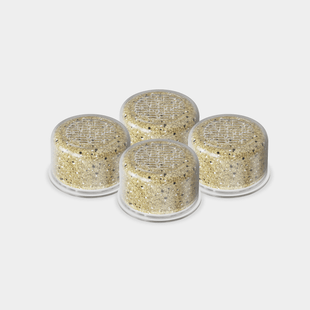
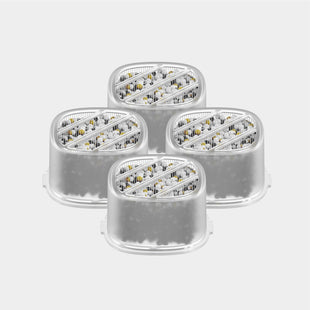
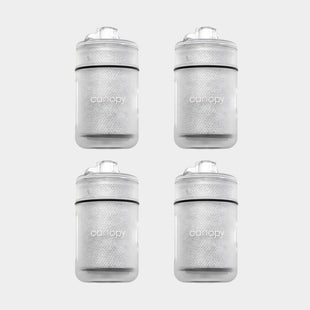
Not ready to cancel? You can skip an order or reschedule instead, which is handy if you just have extra filters or aromas on hand. Replacing your filters regularly keeps them working their best.
Need a hand? Our Customer Experience team is happy to help through our contact form. If you change your mind later, here's how to reactivate your subscription.